Odoo Migration

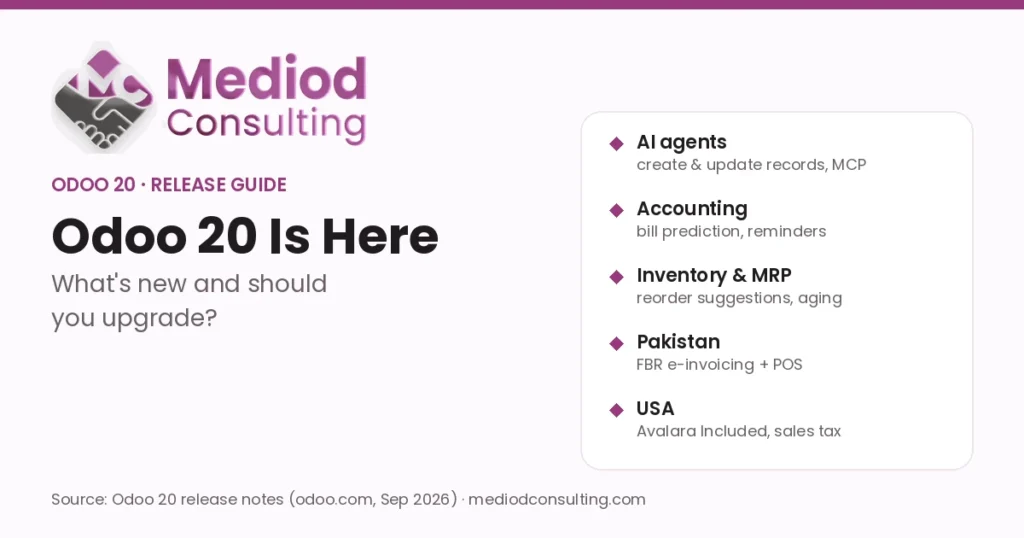
Guides for moving to Odoo and between Odoo versions: upgrading to Odoo 20, migrating from QuickBooks, NetSuite, SAP, Excel or legacy systems, cleaning and mapping data, and planning cut-over with minimal downtime. Each article explains the risks we see most often and how to avoid them. For hands-on help, see our Odoo migration services, the Odoo data migration guide and what changes in Odoo 20.

How to Handle Odoo Version Upgrades: A Step-by-Step Guide – Mediod Consulting Odoo Migration guide cover

How to Handle Odoo Version Upgrades: A Step-by-Step Guide

Whether you are running Odoo 16, Odoo 17, Odoo 18, or an older version and planning to move to Odoo 19, the migration process should be treated as a structured project rather than a simple software update. At Mediod Consulting, we help businesses plan and execute Odoo migrations while minimizing downtime, protecting historical data, and

How to Handle Odoo Version Upgrades: A Step-by-Step Guide Read More »

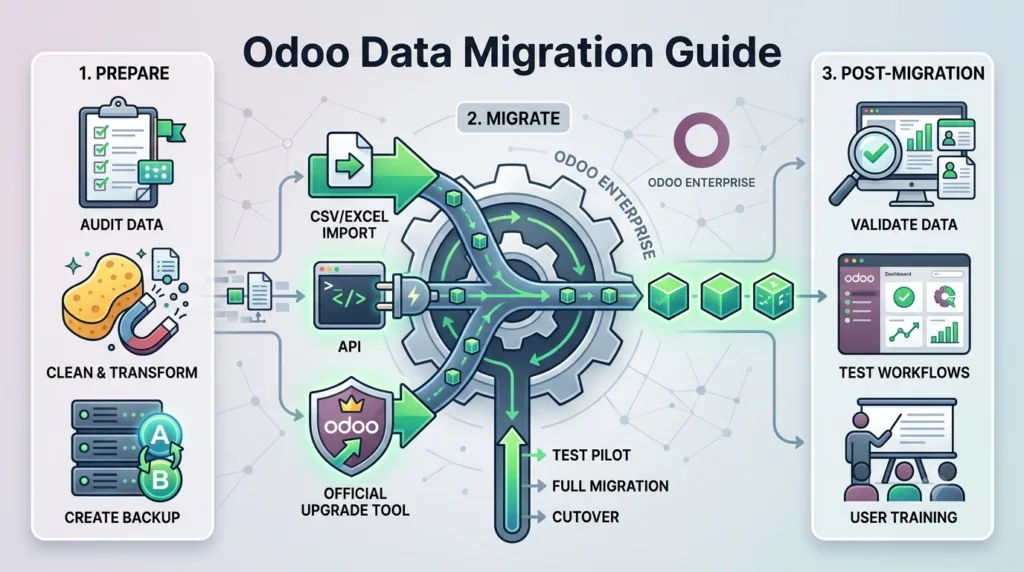
Odoo data migration process from legacy systems to Odoo ERP

Odoo Data Migration Guide: How to Move Your Data Safely

Migrating data from an existing business system to Odoo can be one of the most important—and challenging—parts of an Odoo ERP implementation. Whether you are moving from spreadsheets, an older ERP, QuickBooks, SAP, Microsoft Dynamics, NetSuite, Salesforce, or another business application, a well-planned Odoo data migration strategy is essential for a successful implementation. Businesses often

Odoo Data Migration Guide: How to Move Your Data Safely Read More »

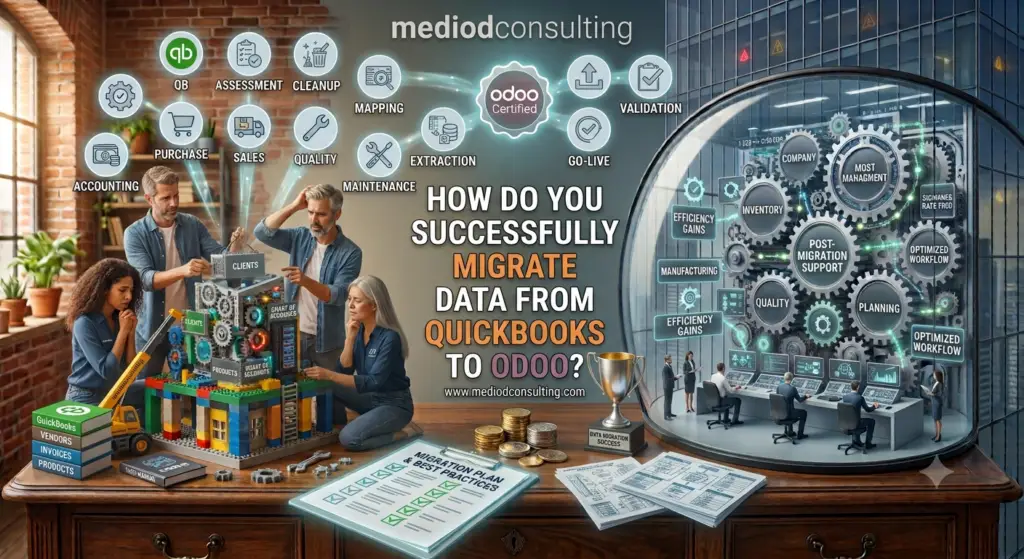
QuickBooks to Odoo Migration: Complete Data Migration Guide

QuickBooks to Odoo Migration: Step-by-Step Data Migration Guide

Moving from QuickBooks to Odoo can give a growing business a more integrated ERP system for accounting, sales, purchasing, inventory, CRM, manufacturing, and operations. However, QuickBooks to Odoo migration is not simply a matter of exporting data from QuickBooks and importing a CSV file into Odoo. A successful migration requires careful planning, data cleaning, accounting

QuickBooks to Odoo Migration: Step-by-Step Data Migration Guide Read More »

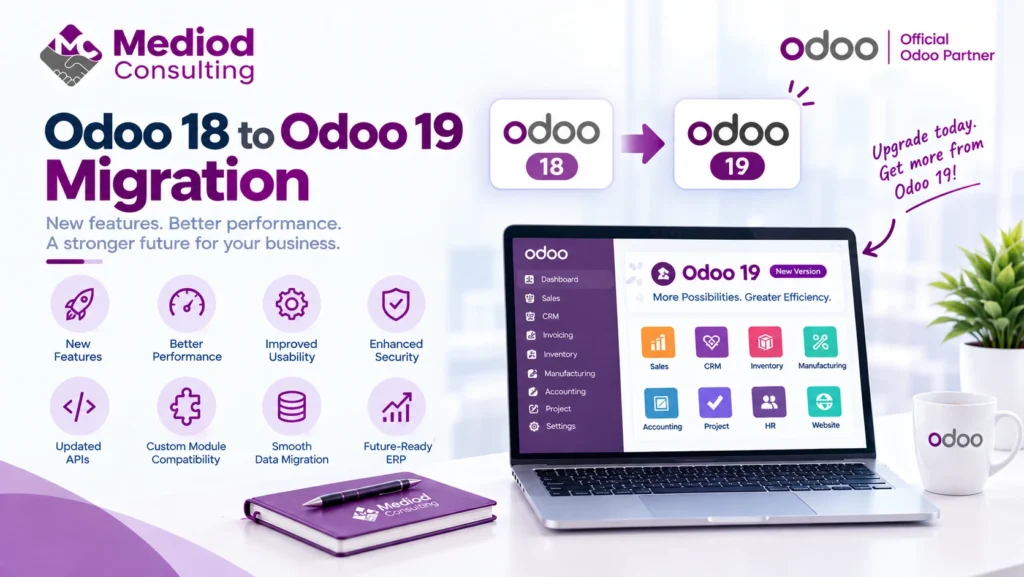
Odoo 18 to Odoo 19 migration showing version upgrade, data migration, custom module compatibility, testing, and improved performance

Odoo 18 to Odoo 19 Migration: What Changes and How to Upgrade

Odoo 19 brings the usual mix that comes with any major version release — new features, performance improvements, and changes under the hood that affect how a migration from Odoo 18 actually plays out. Here’s what businesses on Odoo 18 should know before migrating. What changes between Odoo 18 and Odoo 19 Beyond new features,

Odoo 18 to Odoo 19 Migration: What Changes and How to Upgrade Read More »

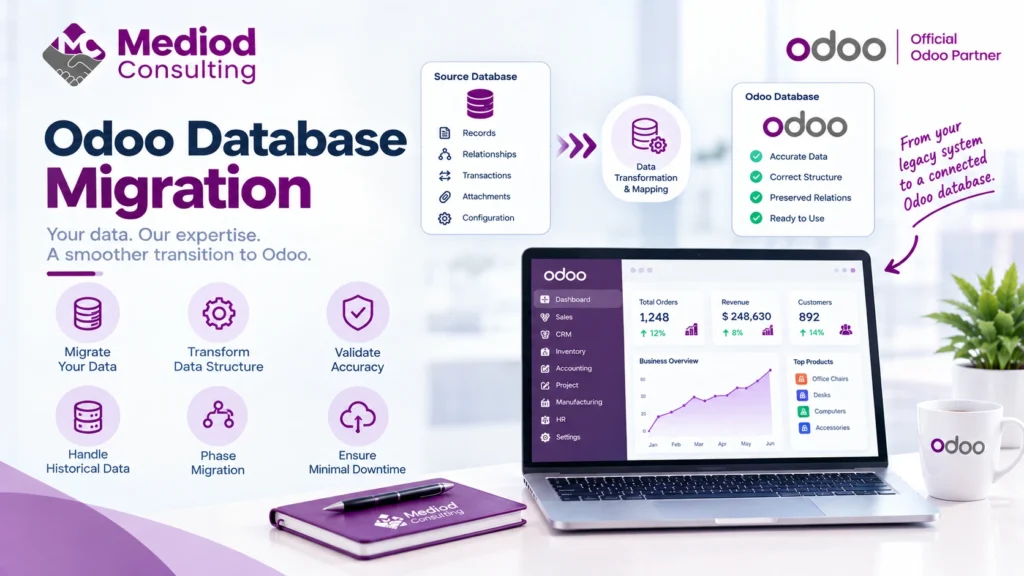
Odoo database migration showing data transformation, field mapping, validation, historical data, and phased migration

Odoo Database Migration: How to Move Your Odoo Database Safely

Database migration is the technical core of almost every Odoo migration project — whether you’re upgrading versions, moving from another system, or changing hosting providers. Getting the data itself moved accurately is what everything else in a migration depends on. What actually gets migrated An Odoo database migration moves your actual data — records, relationships

Odoo Database Migration: How to Move Your Odoo Database Safely Read More »

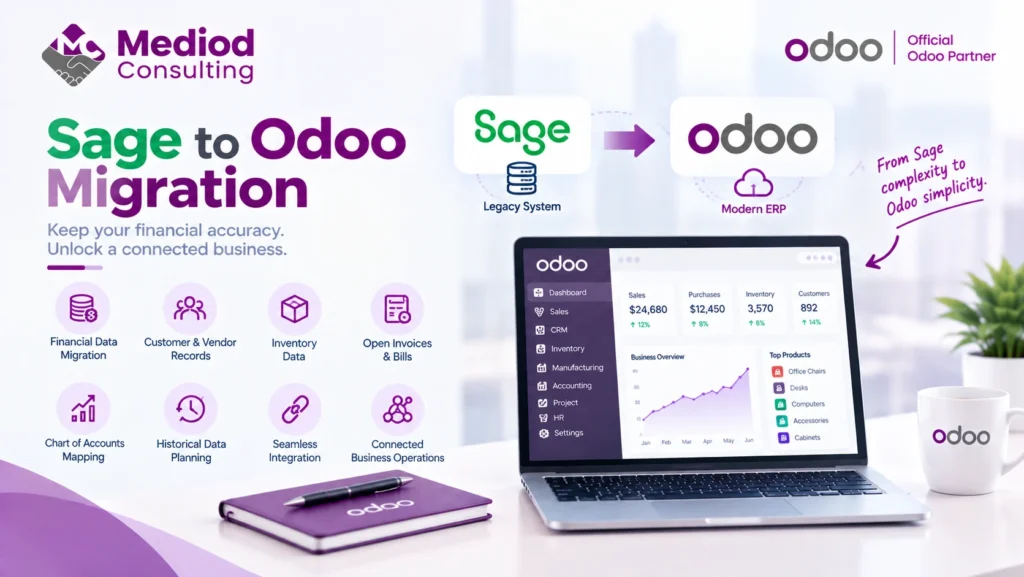
Sage to Odoo migration showing financial data transfer, chart of accounts mapping, customer records, inventory, and connected business operations

Sage to Odoo Migration: Step-by-Step Guide

Businesses migrating from Sage to Odoo are usually looking for the same thing: connected operations beyond what Sage’s accounting-focused products typically offer, without giving up the financial rigor Sage is known for. Here’s what that migration actually involves. Why businesses move from Sage to Odoo The most common driver is outgrowing accounting-only or accounting-plus-modules software

Sage to Odoo Migration: Step-by-Step Guide Read More »

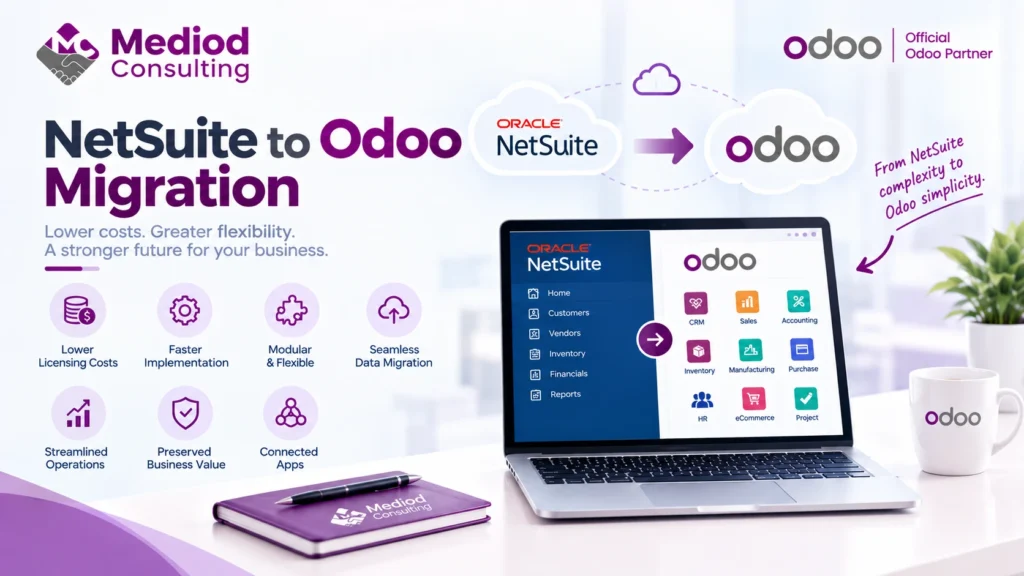
NetSuite to Odoo migration showing ERP data transfer, cost optimization, flexible operations, and connected business applications

NetSuite to Odoo Migration: Step-by-Step Guide

Businesses migrating from NetSuite to Odoo are typically driven by one thing more than any other: cost. NetSuite’s per-user, per-module pricing adds up, and Odoo’s connected architecture delivers comparable operational functionality at a meaningfully lower total cost for a lot of businesses. Why businesses move from NetSuite to Odoo Beyond cost, some businesses find NetSuite’s

NetSuite to Odoo Migration: Step-by-Step Guide Read More »

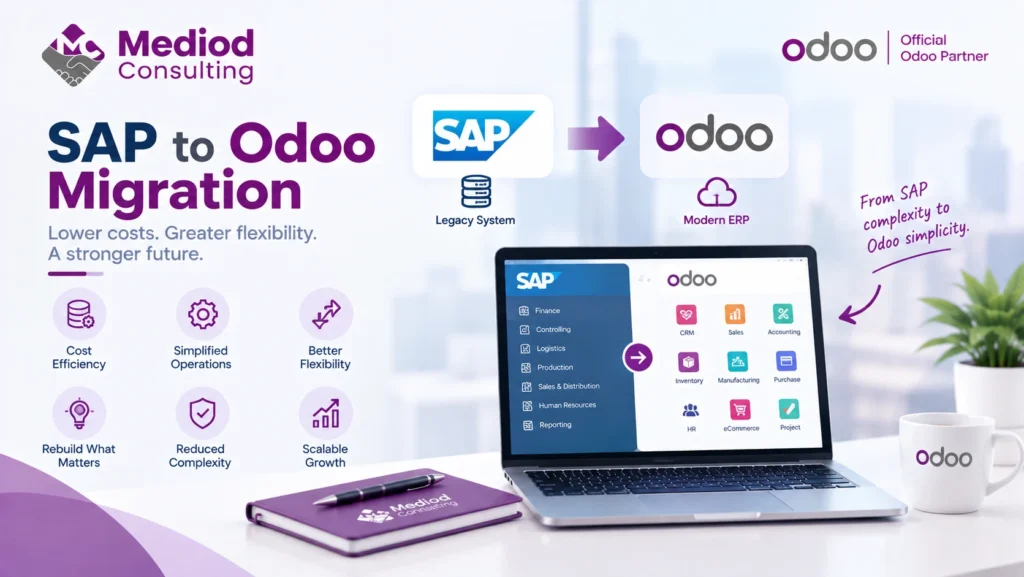
SAP to Odoo migration showing ERP data transfer, system modernization, simplified operations, and business flexibility

SAP to Odoo Migration: Step-by-Step Guide

Migrating from SAP to Odoo is a bigger undertaking than most ERP migrations, reflecting SAP’s typical scale and depth of implementation — but it’s also one of the more common migrations we see, usually driven by cost and a desire for more implementation flexibility. Why businesses move from SAP to Odoo SAP’s licensing and implementation

SAP to Odoo Migration: Step-by-Step Guide Read More »

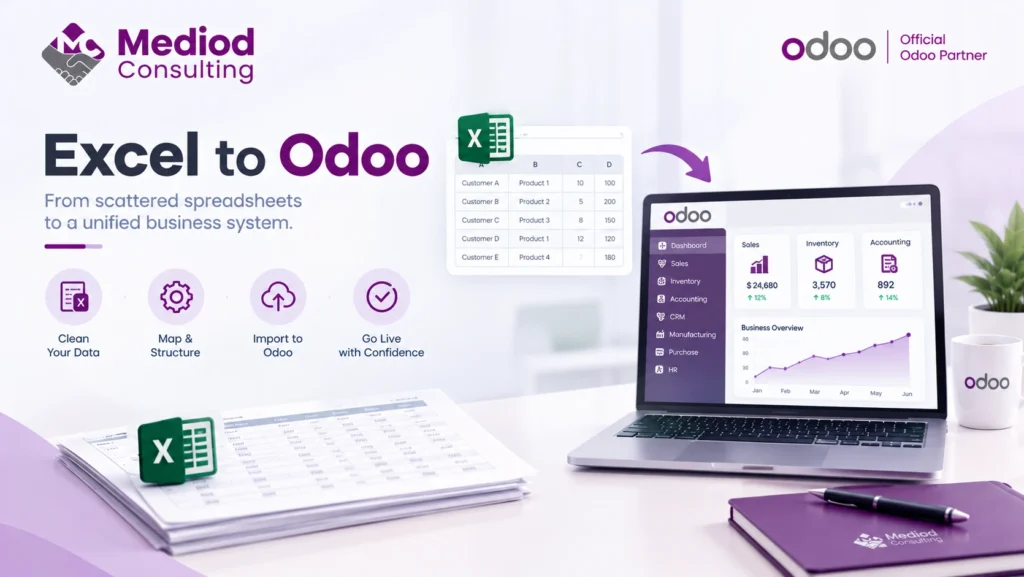
Excel to Odoo migration showing spreadsheet data cleaning, data mapping, and importing business information into Odoo

Excel to Odoo Migration: Move From Spreadsheets to ERP

A huge number of businesses aren’t migrating from another ERP at all — they’re migrating from a patchwork of spreadsheets that grew organically until they became the de facto system of record. This is a genuinely different migration than moving between two structured systems, with its own specific challenges. Why spreadsheet-based businesses eventually migrate Spreadsheets

Excel to Odoo Migration: Move From Spreadsheets to ERP Read More »