Database migration is the technical core of almost every Odoo migration project — whether you’re upgrading versions, moving from another system, or changing hosting providers. Getting the data itself moved accurately is what everything else in a migration depends on.
What actually gets migrated
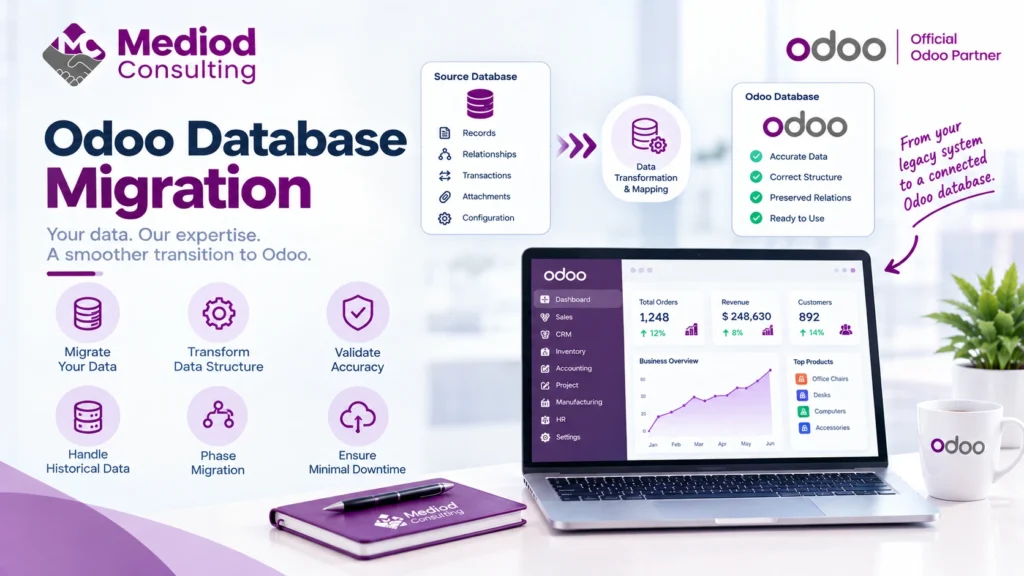
An Odoo database migration moves your actual data — records, relationships between them, historical transactions, attached files, and configuration — from a source (an older Odoo version, another system, or a different server) into a target Odoo database structured correctly for the destination.
Structural transformation, not just a copy
Unlike a simple backup-and-restore, a real migration often requires transforming the data structure — mapping fields that don’t exist identically in the source and target, reconciling different ways the same information might be represented, and validating that relationships between records (a customer linked to their orders, for example) survive the transformation intact.
Handling historical data
A common decision point: how much historical data actually needs to migrate versus being archived separately. Migrating years of granular transaction history adds real time and complexity to a project: we generally recommend migrating what’s operationally necessary (open orders, current balances, recent history) and archiving older historical data separately if it’s rarely accessed but needs to be retained for compliance.
Data validation after migration
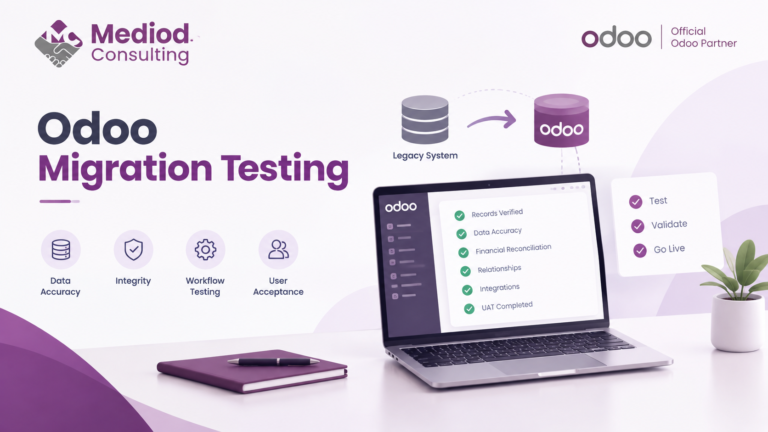
Once data lands in the target database, validation is what confirms the migration actually worked — checking record counts match expectations, spot-checking key records for accuracy, and confirming totals (like account balances) reconcile against the source system. Skipping this step is how migration errors go unnoticed until they cause a real problem weeks later.
Handling migration in phases versus all at once
For complex migrations, moving data in phases — master data first (customers, products, vendors), then transactional data, then historical records — can reduce risk compared to attempting everything in one pass, since each phase can be validated before moving to the next.
Frequently Asked Questions
How long does a database migration typically take?
This varies enormously by data volume and complexity — a straightforward migration might take days, while one with significant structural transformation or very large data volume can take weeks.
Is data ever lost during a migration?
It shouldn’t be with proper planning and validation, though incomplete field mapping or skipped validation are how data loss happens in poorly executed migrations.
Can a database migration run without disrupting the live system?
Yes — migrations typically run against a copy of the source data, so the live system continues operating until a planned cutover, minimizing disruption.
Get Your Data Migrated Accurately
Database migration is the foundation everything else in a migration project depends on getting right. Talk to Mediod Consulting about migrating your database to or within Odoo.