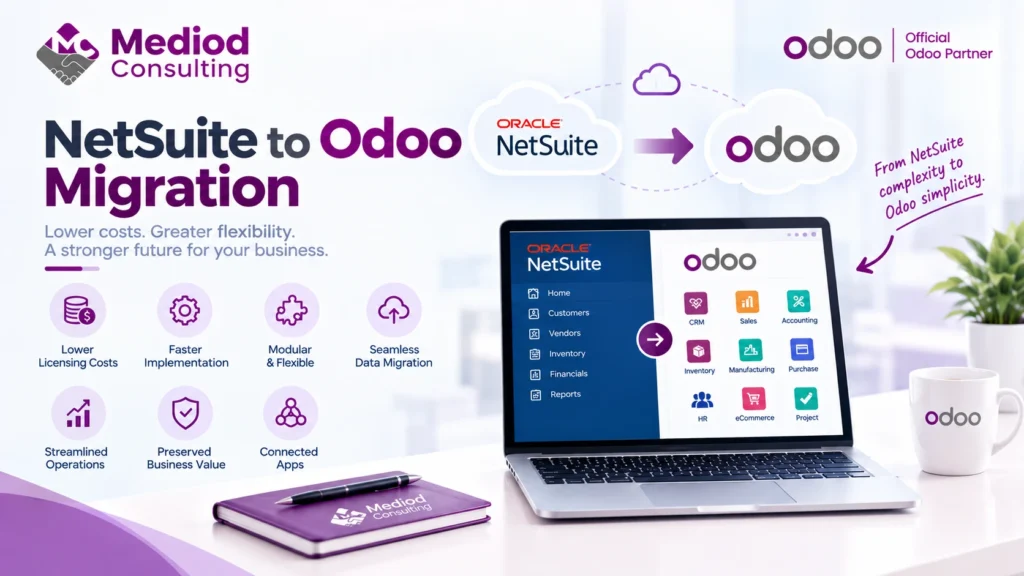
Businesses migrating from NetSuite to Odoo are typically driven by one thing more than any other: cost. NetSuite’s per-user, per-module pricing adds up, and Odoo’s connected architecture delivers comparable operational functionality at a meaningfully lower total cost for a lot of businesses.
Why businesses move from NetSuite to Odoo
Beyond cost, some businesses find NetSuite’s implementation and customization process slower and more expensive than they’d like, particularly for smaller, more agile teams that value Odoo’s faster, more modular implementation approach. Others are simply reassessing recurring software costs as part of a broader cost review and find the NetSuite-to-Odoo gap significant enough to justify a migration project.
What data typically migrates
A NetSuite-to-Odoo migration typically covers chart of accounts and financial history, customer and vendor records, inventory data, and open transactions. Given NetSuite’s strength in financial reporting and multi-entity consolidation, particular care is worth taking to confirm Odoo’s equivalent reporting meets your specific needs before committing to the migration.
Multi-entity and consolidation considerations
If your NetSuite setup includes multi-entity consolidation, this needs careful mapping to Odoo’s multi-company functionality — confirming that intercompany transactions, consolidated reporting, and entity-level permissions translate correctly is worth dedicated attention during migration planning rather than assumed to work identically out of the box.
Custom fields and saved searches
NetSuite implementations often accumulate custom fields, saved searches, and workflow customizations over time — inventorying these before migration and deciding which are still genuinely needed (versus legacy clutter) both simplifies the migration and avoids carrying forward complexity that no longer serves a purpose.
Timing the migration around your fiscal calendar
Many businesses time a NetSuite-to-Odoo migration to align with a fiscal year boundary, simplifying financial reporting continuity and giving a clean cutover point for historical versus go-forward data.
Frequently Asked Questions
Will Odoo’s financial reporting match what we had in NetSuite?
Odoo’s financial reporting covers most standard needs well; businesses with very complex NetSuite consolidation setups should evaluate this specific capability carefully before migrating.
How long does a typical NetSuite to Odoo migration take?
This varies by data complexity and customization volume, but businesses should plan for a genuine project timeline — typically weeks to a few months, not a quick weekend cutover.
Can we run NetSuite and Odoo in parallel during the transition?
A brief parallel period for validation is common practice, though running both indefinitely creates reconciliation overhead most businesses want to avoid long-term.
Reduce Cost Without Losing Operational Capability
A well-planned NetSuite to Odoo migration can significantly reduce software cost while preserving the connected functionality you rely on. Talk to Mediod Consulting about migrating from NetSuite to Odoo.