Businesses migrating from Sage to Odoo are usually looking for the same thing: connected operations beyond what Sage’s accounting-focused products typically offer, without giving up the financial rigor Sage is known for. Here’s what that migration actually involves.
Why businesses move from Sage to Odoo
The most common driver is outgrowing accounting-only or accounting-plus-modules software as operational needs grow — inventory, manufacturing, CRM, and ecommerce that either aren’t natively covered by your specific Sage product or require separate integrated modules. Odoo’s connected, single-database architecture is the direct alternative to that module-and-integration approach.
What data typically migrates
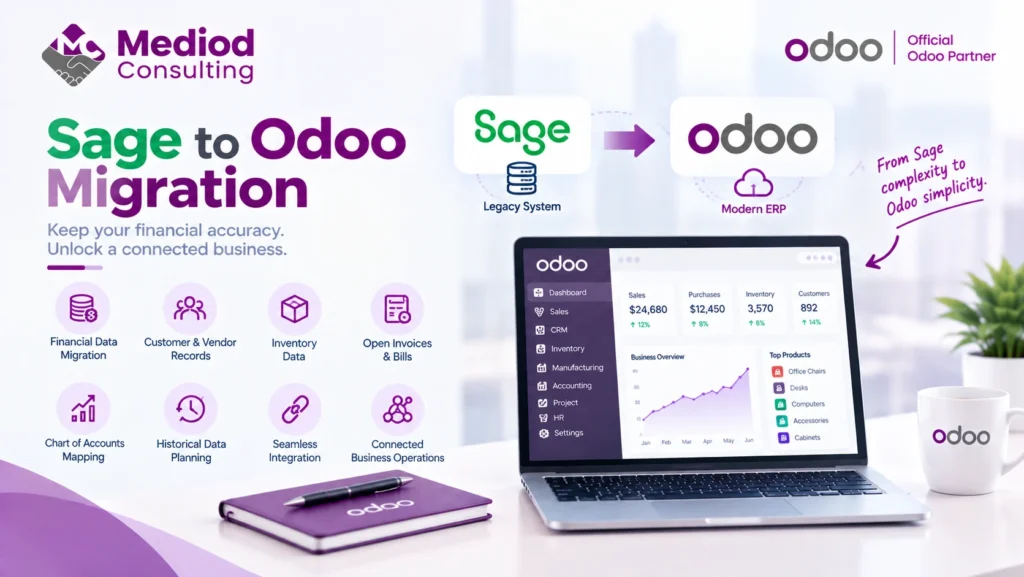
A Sage-to-Odoo migration typically covers the chart of accounts, historical financial transactions, customer and vendor records, open invoices and bills, and inventory data if applicable. The specific scope depends on which Sage product you’re migrating from — Sage 50, Sage Intacct, and Sage X3 each structure data somewhat differently.
Chart of accounts mapping
Getting your chart of accounts mapped correctly from Sage’s structure to Odoo’s is one of the more important early steps — this affects how your financial reports look after migration and whether historical comparisons remain meaningful. Rushing this step is a common source of confusing post-migration financial reports.
Historical data considerations
Long-established Sage users often have years of transaction history — deciding how much needs to migrate into Odoo versus being retained in an archived, read-only format is a real planning decision, not an afterthought. See our Database Migration guide for more on this tradeoff generally.
Working with your accountant through the transition
If your accountant or bookkeeper is deeply familiar with Sage’s reporting, plan for their onboarding to Odoo’s equivalent reports as part of the migration timeline, not an afterthought once the migration is technically complete.
Frequently Asked Questions
Can historical Sage reports still be accessed after migrating to Odoo?
Depending on your approach, historical data can either migrate fully into Odoo or be kept accessible in a read-only archive — worth deciding deliberately based on how often you actually need to reference older records.
Is migrating from Sage X3 more complex than from Sage 50?
Generally yes, given Sage X3’s typically larger, more complex deployments with more integrations and customization to account for during migration.
How disruptive is a Sage to Odoo migration to daily operations?
With proper planning — migrating a copy of data, thorough testing, and a well-timed cutover — disruption can be minimized, though it’s a real project requiring dedicated planning time.
Migrate From Sage to a Connected Odoo Setup
A well-planned migration preserves your financial history while adding the operational connectivity Sage doesn’t natively provide. Talk to Mediod Consulting about migrating from Sage to Odoo.