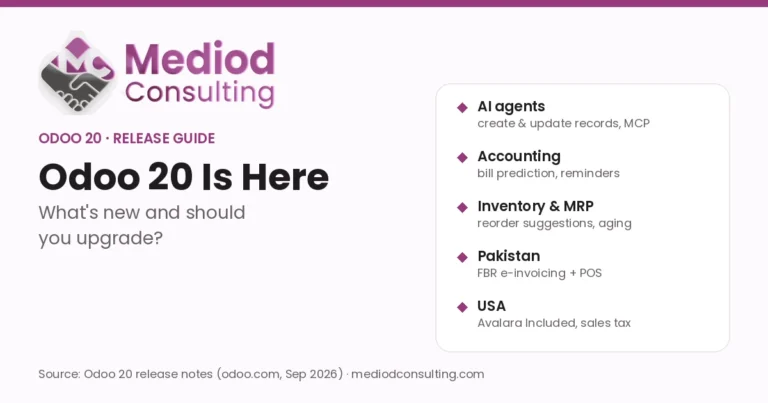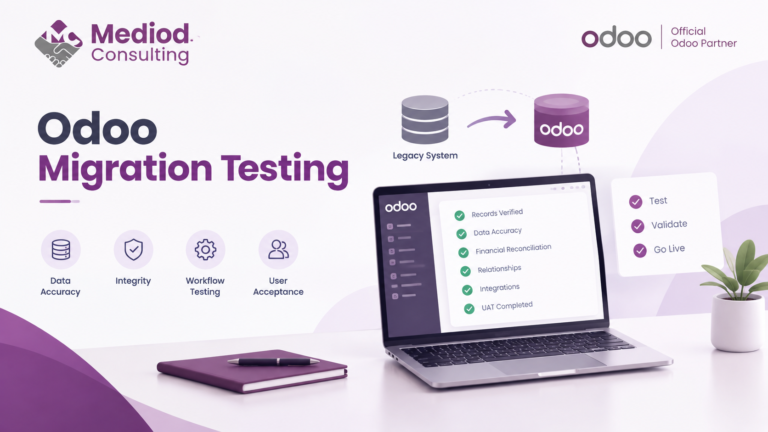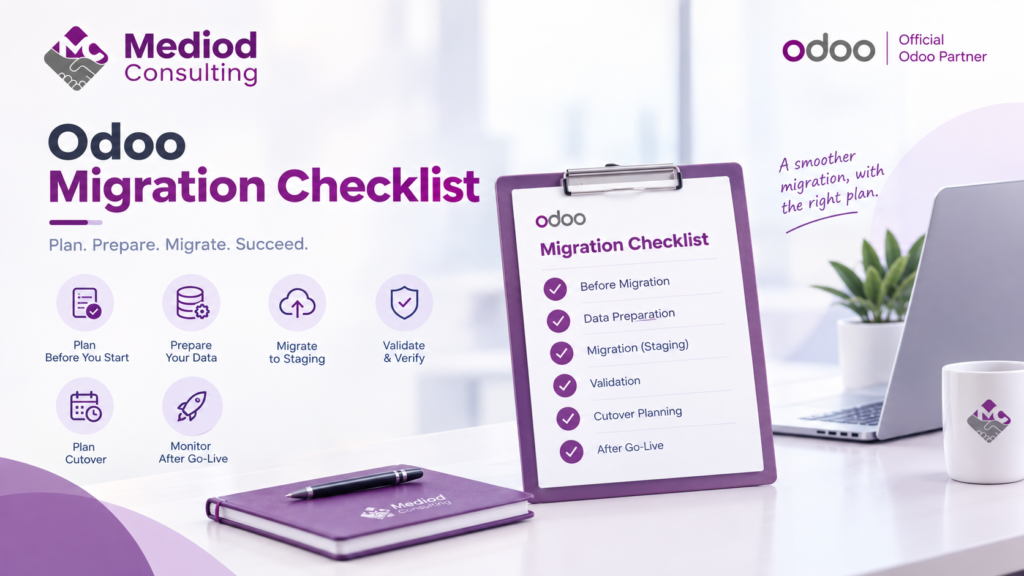
A migration project has a lot of moving parts, and it’s easy to focus on the technical data transfer while missing the planning and validation steps that actually determine whether the migration succeeds. Here’s the checklist we work through with clients.
Before migration starts
Define exactly what’s migrating and what isn’t — not every historical record needs to move, and deciding this upfront avoids scope creep later. Inventory your customizations and third-party apps, checking compatibility with your target setup. Identify who on your team needs to be involved, including anyone who’ll need to validate migrated data against their own knowledge of what’s correct.
Data preparation
Clean source data before migration, not after — duplicate records, inconsistent formatting, and missing required fields are far easier to fix at the source than once imported. Map fields between source and target systems explicitly, documenting any transformation logic needed rather than assuming a direct field-to-field match.
The migration itself
Migrate to a staging environment first, never directly to production. Run the migration and document any errors or warnings that come up rather than dismissing them — they often point to data issues worth investigating before they cause downstream problems.
Validation
Check record counts against expectations. Spot-check a sample of records for accuracy, focusing on complex or important ones rather than only the simplest cases. Reconcile key totals (account balances, inventory quantities) against the source system. See our Migration Testing guide for a deeper walkthrough of this phase specifically.
Cutover planning
Plan the actual cutover window, including how you’ll handle any transactions that happen between your final data pull and going live on the new system. Have a rollback plan in case something goes wrong during cutover — hoping it won’t isn’t a plan.
After go-live
Monitor closely in the first days and weeks after cutover, since some issues only surface under real usage rather than testing. Keep the old system accessible (read-only) for a defined period in case historical data needs to be referenced or double-checked.
Frequently Asked Questions
How far in advance should migration planning start?
For anything beyond a very simple migration, planning should start weeks to months before the actual data migration, giving enough time for proper data cleanup and testing.
What’s the most commonly skipped step in migration checklists?
Thorough data validation after migration — it’s tempting to consider the migration done once data has moved, but validation is what actually confirms it moved correctly.
Should the checklist differ based on migration type (version upgrade vs. platform switch)?
The core structure is similar, though a platform switch typically involves more extensive field mapping and data transformation than a version upgrade within Odoo itself.
Work Through Migration Systematically
A structured checklist catches the details that get missed under deadline pressure. Talk to Mediod Consulting about planning your Odoo migration properly from the start.