A work center is Odoo’s representation of a specific production resource — a machine, an assembly line, a team — and how well work centers are set up directly affects how accurate your production scheduling and costing actually are.
What a work center represents
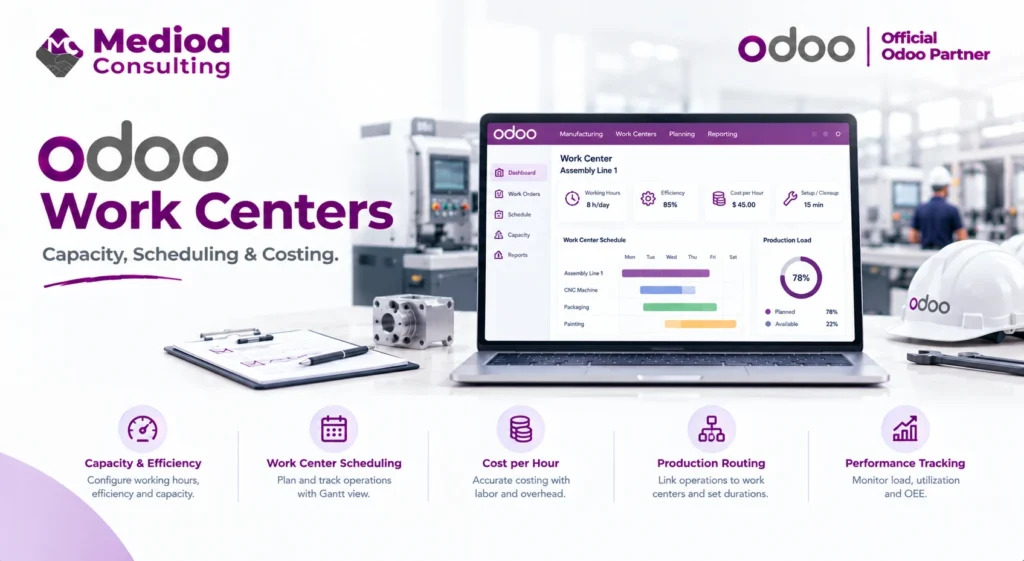
A work center can be a physical machine, a group of similar machines, a workstation, or a team of people, depending on how granular your production tracking needs to be. Each work center has a defined capacity (how much it can produce in a given time) and cost (labor and overhead rate), both of which feed into scheduling and product costing calculations.
Capacity and efficiency settings
Work centers can be configured with working hours, efficiency percentages (accounting for the reality that a machine rarely runs at 100% theoretical capacity), and setup or cleanup time between operations. Getting these settings realistic rather than optimistic is what makes Odoo’s scheduling calculations actually useful — overly optimistic settings lead to schedules that look achievable on paper but consistently slip in practice.
How work centers connect to routings
A routing defines the sequence of operations a product goes through, and each operation is tied to a specific work center with an expected duration. This is what lets Odoo calculate total production lead time and identify which work center is likely to become a bottleneck for a given production plan.
Work center costing
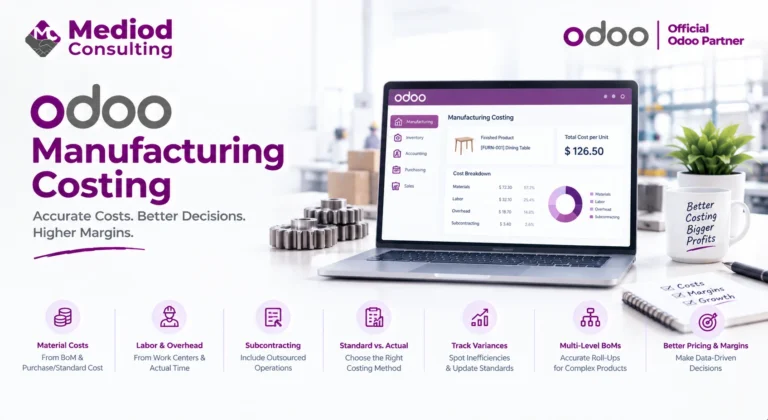
Each work center’s hourly cost (labor plus overhead) feeds directly into the cost of goods manufactured — a product’s calculated cost reflects not just materials but the actual time spent at each work center during production. Accurate work center cost rates are what make Odoo’s manufacturing cost reporting meaningful rather than just a rough estimate.
Identifying bottlenecks through work center data
Once work centers are properly configured and manufacturing orders are running through them, Odoo’s reporting can surface which work centers are consistently running at or over capacity — genuinely useful for deciding where to invest in additional capacity or where scheduling adjustments could relieve a recurring bottleneck.
Frequently Asked Questions
How granular should work center setup be?
It depends on how detailed your scheduling and costing needs are — too granular adds administrative overhead, too coarse loses useful visibility. We generally recommend one work center per genuinely distinct production resource or bottleneck point.
Can a work center be shared across multiple product routings?
Yes, a single work center can appear in the routings of multiple different products, and Odoo accounts for shared capacity when scheduling across all of them.
Does work center setup affect quality or maintenance tracking too?
Yes, if you’re using the Quality or Maintenance apps, they connect to the same work center records, giving a unified view of a resource’s production, quality, and maintenance status.
Set Up Work Centers That Reflect Real Capacity
Accurate work center configuration is what turns Odoo’s scheduling and costing from a rough estimate into something you can actually plan around. Talk to Mediod Consulting about setting up work centers for your production floor.