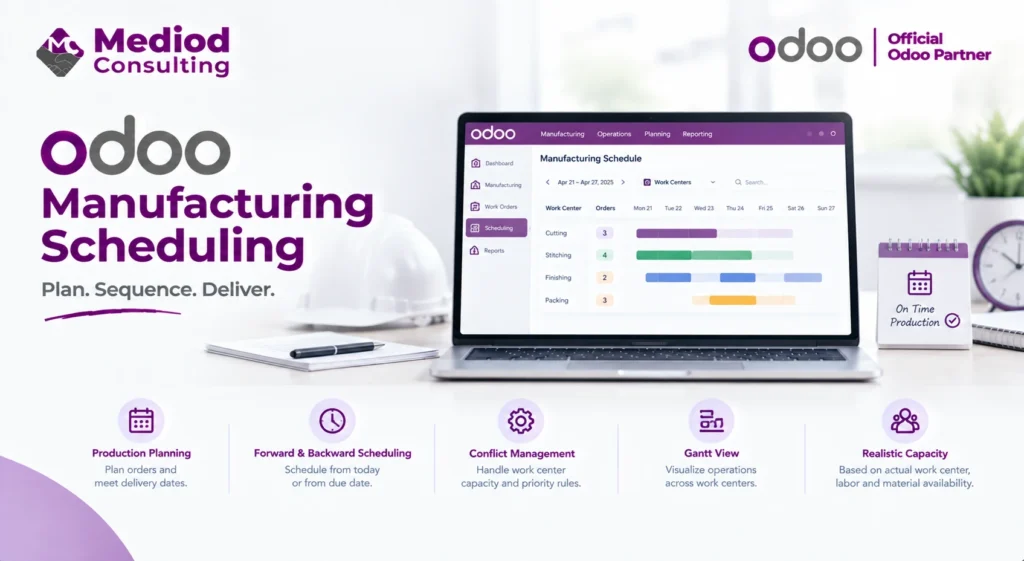
Scheduling is where production planning meets reality — turning a list of manufacturing orders into an actual sequence across specific work centers and time slots. Odoo’s scheduling tools help with this, but they’re only as good as the underlying work center and routing data feeding them.
How Odoo schedules manufacturing orders
Based on each manufacturing order’s routing, work center availability, and defined lead times, Odoo can calculate a proposed schedule — when each operation should start and finish to meet the required completion date. This scheduling considers work center capacity, so two orders needing the same constrained resource at the same time get sequenced rather than both assumed to run simultaneously.
Forward versus backward scheduling
Forward scheduling starts from today and calculates when production will finish based on current work center availability. Backward scheduling starts from a required delivery date and works backward to determine when production needs to start — more useful when you’re planning to meet a specific customer deadline rather than just seeing how soon you can produce something.
Handling scheduling conflicts
When multiple manufacturing orders compete for the same work center capacity, Odoo can surface this as a scheduling conflict, letting a planner decide priority rather than having orders silently queue in an arbitrary order. Getting priority rules configured — by due date, by customer, by order value — matters more than people initially expect, since the default sequencing may not reflect actual business priorities.
The Gantt view for visual scheduling
Odoo’s manufacturing scheduling includes a Gantt-style view showing planned operations across work centers and time, making it easier to spot bottlenecks, gaps, or overloaded resources visually rather than parsing a list of individual orders.
Keeping schedules realistic
Scheduling accuracy depends heavily on the underlying data — accurate work center capacity, realistic operation durations, and up-to-date material availability. A schedule built on optimistic assumptions looks fine on the screen but consistently slips in practice, which erodes trust in the scheduling tool over time if the underlying data isn’t kept accurate.
Frequently Asked Questions
Can Odoo automatically reschedule when a delay occurs?
Manual intervention is typically needed to reprioritize after a delay, though Odoo surfaces the resulting downstream impact so a planner can make an informed adjustment.
Does scheduling account for worker availability, not just machine capacity?
Work centers can represent labor-based resources as well as machines, with their own capacity and availability settings, so labor constraints can be scheduled around too.
How does scheduling handle rush orders?
Manual priority adjustment lets a rush order be moved ahead in the schedule, with the tool showing the resulting impact on other orders sharing the same work centers.
Turn Production Plans Into Realistic Schedules
Good scheduling depends on accurate underlying data as much as the tool itself. Talk to Mediod Consulting about setting up manufacturing scheduling that reflects your real capacity.