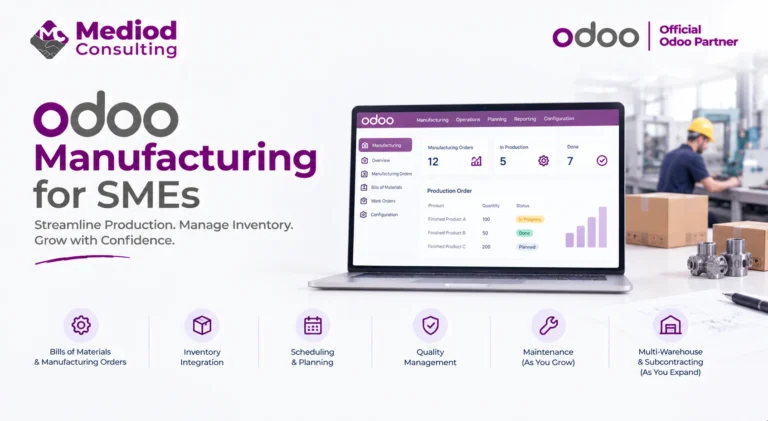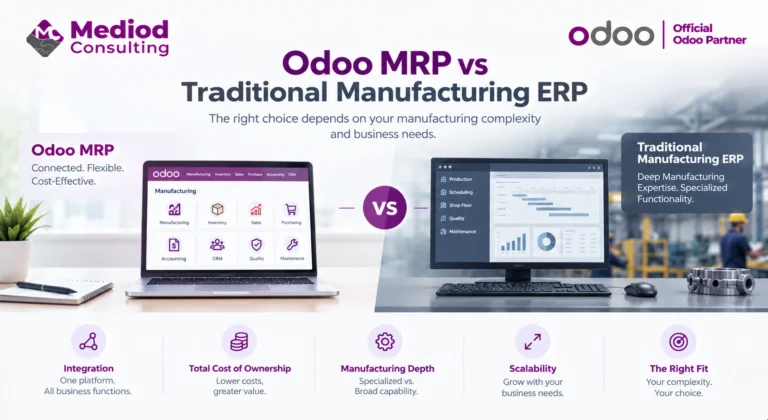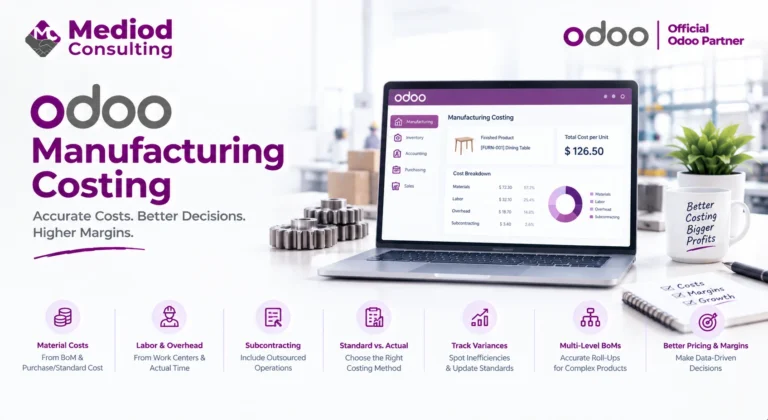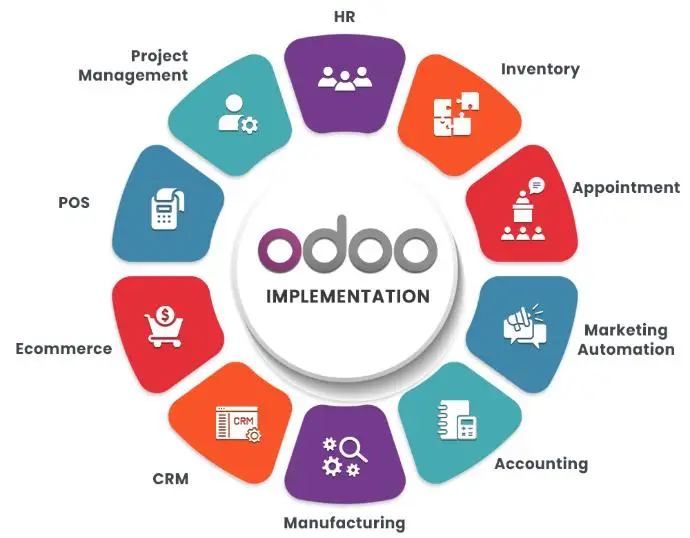
A bill of materials is the recipe for everything Odoo’s manufacturing planning does — get it wrong and every downstream calculation, from material requirements to costing, inherits that error. Getting BoMs set up correctly is worth real attention during implementation.
What a BoM actually defines
A bill of materials lists every component and the quantity needed to produce one unit of a finished product, plus the routing (the sequence of operations and work centers) used to actually build it. This structure is what lets Odoo calculate material requirements, production costs, and lead times automatically rather than requiring manual calculation for every order.
Single-level versus multi-level BoMs
A simple product might have a single-level BoM — raw materials and purchased components directly assembled into the finished good. More complex products often use multi-level BoMs, where some components are themselves manufactured from their own sub-BoM before being used in the final assembly. Odoo handles multi-level BoMs natively, cascading material requirements planning through every level automatically.
BoM variants for product variations
For products with variants (size, color, configuration), Odoo supports BoM variants that adjust component quantities or substitute components based on the specific variant being produced — avoiding the need for a completely separate BoM for every single variant combination when only minor differences exist between them.
Phantom BoMs
A phantom BoM represents a sub-assembly that’s always built and consumed together with its parent product rather than stocked separately — useful for intermediate assemblies that never exist as standalone inventory, letting Odoo track the components without creating unnecessary intermediate stock records.
Keeping BoMs accurate over time
BoM accuracy degrades if engineering changes aren’t reflected promptly — a component substitution or quantity change that isn’t updated in the BoM leads to inaccurate material planning and costing. We generally recommend a clear process for who updates BoMs and when, tied to your engineering change process (see our PLM guide for managing this formally).
Frequently Asked Questions
How many levels can an Odoo BoM have?
There’s no hard limit — Odoo supports arbitrarily nested multi-level BoMs, cascading planning calculations through each level.
Can a BoM include both manufactured and purchased components?
Yes, a single BoM can mix components you manufacture in-house with ones you purchase directly, and Odoo handles the planning for each appropriately.
Does changing a BoM affect existing manufacturing orders in progress?
No, existing manufacturing orders retain the BoM version they were created against — only new orders use an updated BoM, preserving accuracy for work already in progress.
Build Accurate Bills of Materials From the Start
Accurate BoMs are the foundation everything else in manufacturing planning depends on. Talk to Mediod Consulting about setting up your Odoo bills of materials correctly.